Employability
5 min read
Best free resume builders compared for 2026 -- no credit card required.
Synopsis
A practical comparison of the best free resume builders in 2026. Find out which tools are genuinely free, which limit downloads, and which give you the best shot at landing an interview.
Most resume builders advertise a free plan. Few are actually free when it matters most -- when you need to download your finished resume.
Understanding the difference between "free to use" and "free to download" will save you time and frustration. Some tools let you build a resume for free but charge before you can save or export it. Others offer a genuinely usable free tier with real limitations you can work around.
This guide cuts through the noise. It compares the best free resume builders in 2026 based on what the free tier actually includes, how well the output performs in ATS screening, and where each tool falls short.
Key Insight
The best free resume builder for your situation depends on one question: do you need to download your resume now, or are you still exploring? Tools that let you apply directly from their platform may be more useful than ones that require payment to export.
What "Free" Actually Means Across Resume Builder Tools
Before comparing tools, it helps to understand the four types of "free" you'll encounter:
- Fully free with no download restrictions. These tools let you build and download a resume at no cost. They're rare, and they typically offer fewer templates or features.
- Free to build, paid to download. The most common model. You can create and preview a resume, but exporting a clean PDF requires upgrading. Some tools add watermarks to free downloads.
- Free trial with a time limit. You get full access for a set period, after which you need to pay or lose access to your resume.
- Free with feature limits. You can use the tool indefinitely, but key features like ATS scoring, multiple resume versions, or cover letter tools require a paid plan.
Knowing which type you're dealing with upfront avoids the experience of completing your resume only to find you can't download it without a credit card.
| Best Free Resume Builders in 2026: Comparison | ||
|---|---|---|
| Tool | Free Tier Reality | Best for |
| Yotru | Full Resume creation, ATS scoring, Interview Prep, Cover letter but no download | Guided building with feedback |
| Indeed Resume | Fully free, basic formatting | Fast job board applications |
| Resume.com | Fully free, single template | Simple, no-frills resumes |
| Canva | Free download, not ATS-friendly | Creative or design-heavy roles |
| Standard Resume | Fully free, limited customization | Clean, ATS-ready resumes |
| Novoresume | No free download (watermark) | Previewing before committing |
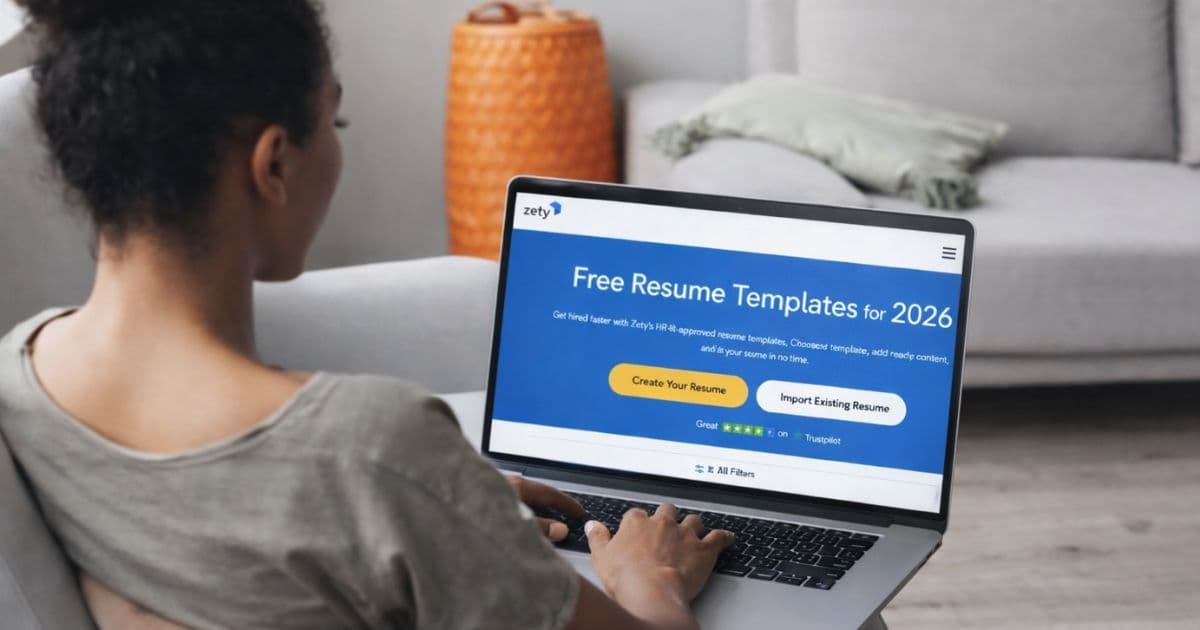
| Zety | Build only, no export | Testing layouts before paying |
| Kickresume | Limited free features | Inspiration and content ideas |
Top Free Resume Builders Reviewed
1. Yotru
Free tier includes: Full access to resume creation, AI-assisted writing, ATS compatibility scoring, interview prep kits, and cover letter tools. Download is not included in the free trial.
Yotru’s free trial gives you access to the full product experience, not a stripped-down version. You can build your resume, improve content with AI guidance, check ATS performance, and prepare for interviews, all before deciding to upgrade.
The limitation is at export. You can create and refine everything, but downloading your resume requires a paid plan. This makes it more useful as a preparation and optimization tool rather than a one-click free download option.
Best for: Job seekers who want to build, improve, and validate their resume and application materials before applying, and are open to upgrading once ready to export.
2. Indeed Resume Builder
Free tier includes: Full build and download, no paywall.
Indeed's built-in resume tool is genuinely free with no download restrictions. The formatting is basic and the templates are limited, but the output is clean enough for most applications submitted through the Indeed platform.
The main limitation is flexibility. You don't get much control over layout or content structure, and the tool is designed to keep you within the Indeed ecosystem.
Best for: High-volume job seekers applying primarily through Indeed who want speed over customization.
3. Resume.com
Free tier includes: One template, full download, no watermark.
Resume.com is simple and genuinely free. You get one template and basic formatting controls. There's no ATS scoring or content guidance, but the output is clean and downloadable without any payment step.
Best for: Job seekers who need a no-frills resume quickly and don't need feedback or optimization.
4. Canva
Free tier includes: Full design flexibility, downloadable PDF, no watermark.
Canva offers strong visual control and a wide range of templates. The free tier is genuinely usable and downloads without issues. The significant limitation is ATS compatibility. Most Canva resume designs use text boxes, columns, and graphics that ATS software struggles to parse correctly.
Best for: Creative professionals applying to roles where a portfolio or visual presentation matters more than ATS screening. Not recommended for corporate or large-organization job applications.
Pro Tip
Canva resumes often fail ATS screening because of multi-column layouts and embedded graphics. If you're applying to roles that use automated screening, test your Canva resume in an ATS checker before submitting.
5. Standard Resume
Free tier includes: Clean single-column layout, ATS-friendly output, LinkedIn import, PDF download.
Standard Resume is a minimalist builder that prioritizes ATS compatibility over visual flair. The free tier lets you build and download without restrictions. Customization is limited, but what you get is clean, readable, and consistently ATS-friendly.
Best for: Job seekers who want a fast, reliable ATS-ready resume with minimal setup.
6. Novoresume
Free tier includes: Build and preview only. PDF download requires a paid plan.
Novoresume produces polished-looking resumes, but the free tier adds a watermark to downloads and restricts you to one page. If you want to test the interface before paying, it's useful. If you need to actually submit a resume, you'll need to upgrade.
Best for: Testing the interface before committing to a paid plan.
7. Zety
Free tier includes: Build and preview. Export requires payment.
Zety's free tier lets you create a resume and see how it looks, but you can't download a clean version without subscribing. The templates are polished and the guided prompts are helpful, but the paywall at export is a hard limit.
Best for: Evaluating whether Zety's templates and guidance suit your needs before paying. Not useful as a genuinely free tool.
8. Kickresume
Free tier includes: Basic templates and limited AI suggestions. Full access requires payment.
Kickresume offers useful AI-assisted writing examples, but most of the features that make it worth using are locked behind a paid plan. The free tier is more of a preview than a functional tool.
Best for: Getting a sense of the platform before deciding whether to pay.
What to Look for in a Free Resume Builder
When evaluating free tools, focus on these questions:
- Can you actually download your resume for free? Test this before investing time in building. Some tools only reveal the paywall at the final step.
- Is the output ATS-compatible? A visually polished resume that fails ATS screening is worse than a plain one that passes. Single-column, text-based layouts consistently outperform multi-column or graphic-heavy designs in automated screening.
- Does the tool help you write better content, or just format it? Templates organize your experience. Guidance-first tools help you articulate it. For competitive roles, content quality matters more than layout.
- Can you build more than one version? If you're applying to different types of roles, you'll want to tailor your resume. Most free tiers restrict you to one version.
Pro Tip
If a free tier limits you to one resume, create a strong master version first. Then use that as your base to manually tailor for each application rather than maintaining multiple builder versions.
Free vs. Paid: When It's Worth Upgrading
A free resume builder is a reasonable starting point. It becomes a limiting factor when you're actively applying to selective roles and need more than a template.
Paid plans typically unlock ATS scoring, multiple resume versions, cover letter tools, and unlimited downloads. If you're applying to five or more roles a week and not getting callbacks, the investment in a paid tool that shows you why often pays for itself within one successful application.
If you're early in your job search and still building out your experience, a free tool is fine. If you're in an active, competitive search, the difference between a free and paid tier is often the difference between guessing why your resume isn't working and knowing.
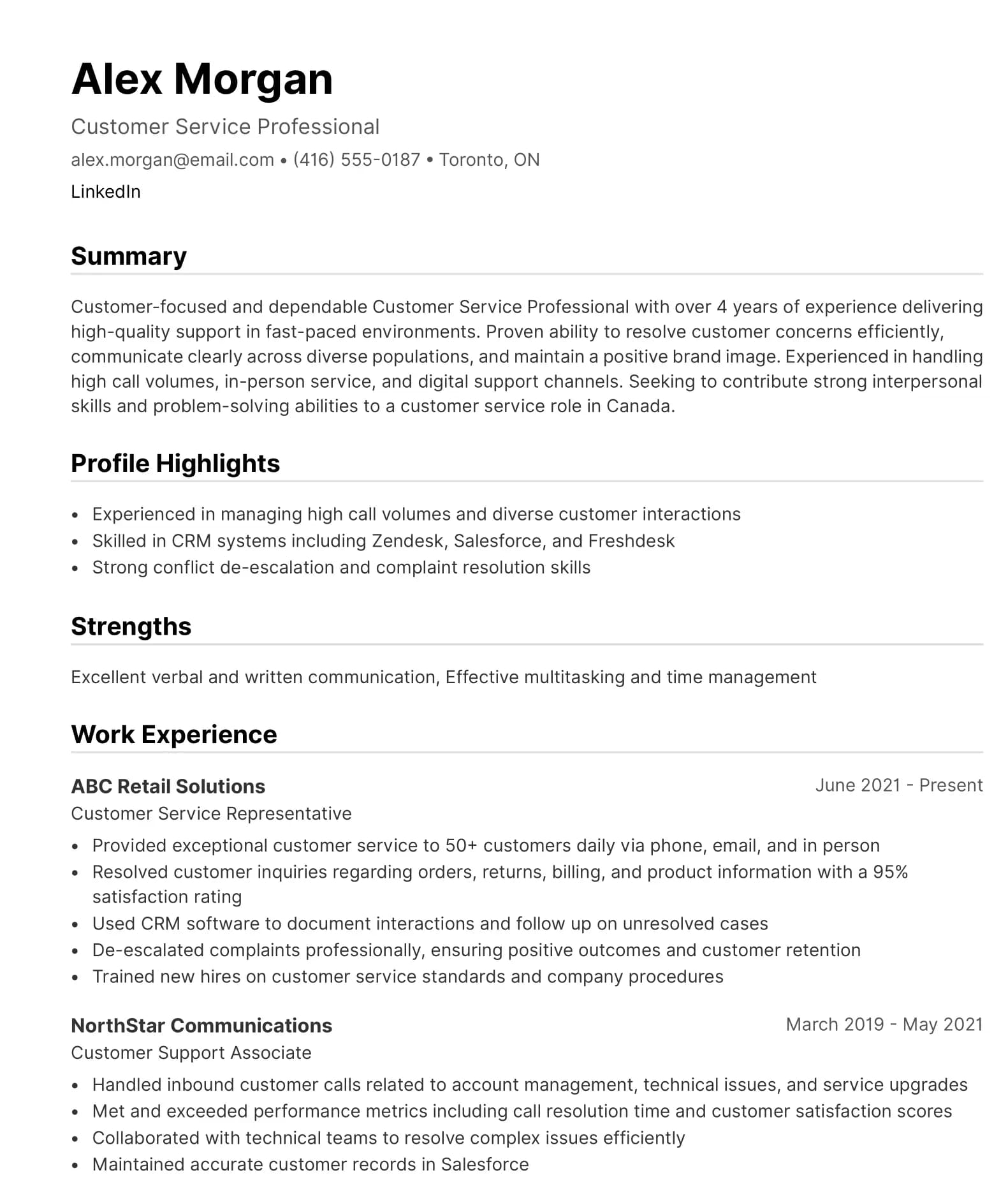
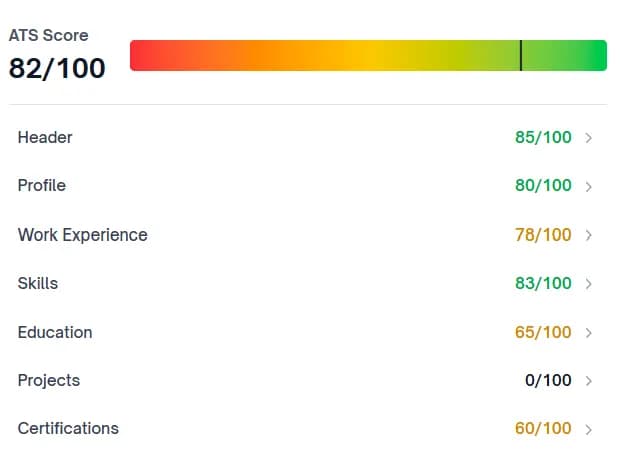
ATS-Optimized resumes That Meet Employer Standards
Our AI-powered scoring system helps organizations assess and standardize resume quality at scale. ATS-compliant templates support consistent formatting, keyword alignment, and interview readiness across cohorts.
About the Author

Lakshmi Reddy
Career Specialist
Lakshmi Reddy
Career Specialist
Lakshmi is a seasoned Career Specialist, contributing research and insights on hiring trends, resumes, and career pathways.
Frequently Asked Questions
The best free resume builder depends on what you need. For ATS-compatible output with no download restrictions, Standard Resume and Indeed Resume Builder are reliable options. For guided content support and ATS scoring, Yotru's free trial gives you more than most free tiers, though it's time-limited. If you need design flexibility and ATS compatibility is not a concern, Canva's free tier is functional and fully downloadable.
Audience Context
For job seekers comparing free resume builders before choosing a tool. Covers real differences in free tiers, download restrictions, and ATS performance, with practical guidance on what works in actual applications.
Disclaimer
This article is published by Yotru and includes comparisons of third-party tools. Yotru is not affiliated with, endorsed by, or partnered with the brands mentioned. All trademarks belong to their respective owners.
Further Insights
- Hiring Trends in the United States — U.S. job growth and employer priorities
- ATS-Friendly Resume Builders — ATS guide for U.S. applicants
- Job Search Strategies Now — Tactics beyond the resume
- AI vs. Traditional Resume Tools — Which tool type fits your needs
- Ultimate Guide to Resume Builders — Full landscape overview for 2026
- Best Resume Builder Apps — Builder options by career stage
- Resume Tips for Gen Z — Formatting for younger applicants
- Canadian Resume for Int'l Students — Applying in a new country
- ATS-Friendly Resume Builders — ATS compliance for entry-level
- Top 10 Free Resume Builders — No-cost builder options reviewed
Teal vs ChatGPT for Job Seekers — Tracker tool vs general AI - Kickresume vs ChatGPT for Resumes — Design-first vs text generation
- Rezi vs ChatGPT for Resume Building — ATS builder vs open AI
- Enhancv vs ChatGPT for Resumes — Visual builder vs raw AI
- Is Jobscan Better Than ChatGPT? — Keyword tool vs AI writing
- AI Resume Builder vs ChatGPT — Structured AI vs open AI
- How to Use ChatGPT for Resumes — Prompts, limits, and better tools
- Can ChatGPT Resumes Get You Rejected? — AI risk in real hiring
References
- U.S. Bureau of Labor Statistics. (2025). Current employment statistics. https://www.bls.gov/ces/
- Equal Employment Opportunity Commission. (2024). Pre-employment inquiries and equal employment opportunity. https://www.eeoc.gov
- U.S. Department of Labor. (2025). Occupational outlook handbook. https://www.bls.gov/ooh/
- Society for Human Resource Management. (2025). Talent acquisition benchmarking report. https://www.shrm.org
- LinkedIn Talent Solutions. (2025). Future of recruiting. https://business.linkedin.com/talent-solutions
- Greenhouse Software. (2025). State of hiring report. https://www.greenhouse.com
- iCIMS. (2025). Workforce report. https://www.icims.com/resources
- Pew Research Center. (2024). Work and workers in the United States. https://www.pewresearch.org
- Harvard Business Review. (2025). How hiring has changed in the post-pandemic U.S. labor market. https://hbr.org
- National Bureau of Economic Research. (2024). Resume screening and labor market outcomes. https://www.nber.org
Maintained by: Employability & Skills Group at Yotru
Review cycle: Updated regularly
Last updated: April 14, 2026
Questions or Need Support?
If you are working on employability programs, hiring strategy, career education, or workforce outcomes and want practical guidance, you are in the right place.
Yotru supports individuals and organizations navigating real hiring systems. That includes resumes and ATS screening, career readiness, program design, evidence collection, and alignment with employer expectations. We work across education, training, public sector, and industry to turn guidance into outcomes that actually hold up in practice.