

Insights & Trends
Direct Mail for Ecommerce: How Online Stores Use Postcards to Bring Customers Back
Direct mail for ecommerce works best on people who have already bought from you. Here's which customers to mail, when a postcard beats another email, and how to run both together.
Jenna Gallo · Business Development Lead
· 5 min read
On this page15 sectionsClose
- Why past customers are the best audience for ecommerce direct mail
- Postcard or email? Use both, at different moments
- Five ecommerce moments worth a postcard
- Where your mailing list comes from
- How an ecommerce postcard campaign works with Yotru
- How to measure whether it worked
- Frequently asked questions
- Does direct mail work for ecommerce?
- Is a postcard better than an email for online stores?
- Which ecommerce customers should I send postcards to?
- Can I send postcards to my Shopify or WooCommerce customers?
- Can postcards be sent automatically from my store?
- How do I track an ecommerce postcard campaign?
- Which countries can Yotru mail to?
- References
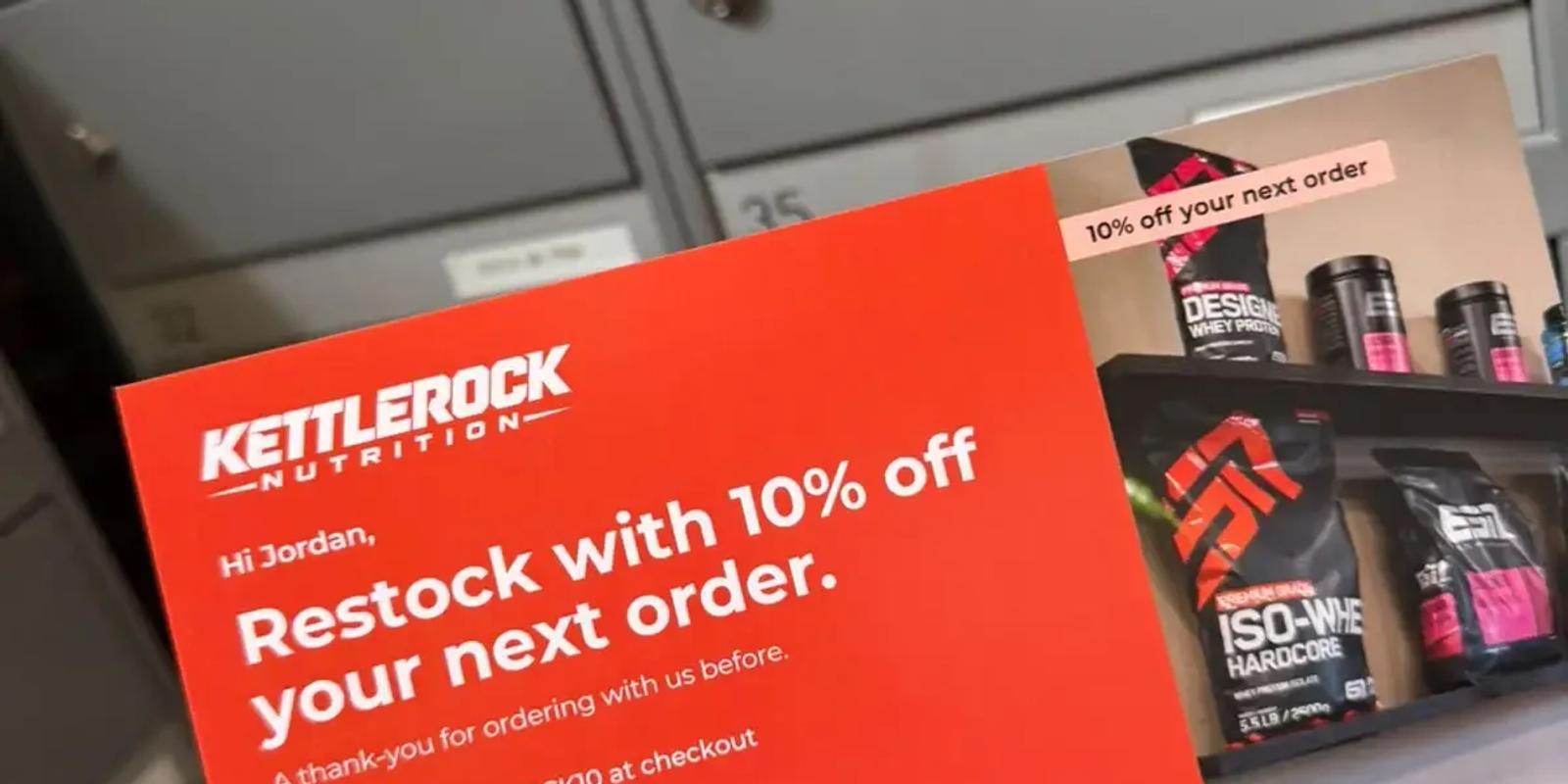
Direct mail for ecommerce means sending a physical postcard to people who shop online, most often to customers who have already bought from you. It works because those customers already know your brand, you already have their mailing address from the order, and a card in the mailbox reaches people who have stopped opening your emails. Used well, it is not a replacement for email. It is the channel you add for the handful of moments where a real card is worth the postage.
Why past customers are the best audience for ecommerce direct mail
Mailing strangers is expensive guesswork. Mailing your own customers is not. You know what they bought, when they last ordered and roughly what they are worth to you, so you can decide who deserves a card and what it should say. Every order also comes with a shipping address, which is the one piece of data a postcard cannot do without.
That is why the strongest ecommerce postcard campaigns are retention campaigns: getting a first-time buyer to order again, reminding someone it is time to restock, or bringing back a good customer who has gone quiet.
Postcard or email? Use both, at different moments
Email is fast and nearly free per send, so it stays your everyday channel. A postcard costs more, but it is seen as soon as it is picked up, and it feels like a bigger gesture. The practical question is not which channel is better, but which one fits each moment. We go deeper on this in direct mail vs email for ecommerce.
| Moment | Postcard | |
|---|---|---|
| Order confirmation and shipping updates | Yes | No |
| Weekly newsletter or flash sale | Yes | No |
| Time to restock a consumable product | Yes | Yes, as a second touch |
| Turning a first order into a second | Yes | Yes |
| Customer has stopped opening your emails | Already tried | Yes |
| VIP milestone or thank-you | Optional | Yes |
Five ecommerce moments worth a postcard
- The restock moment. If you sell something that runs out, such as supplements, coffee, skincare or pet food, mail a reminder shortly before a typical customer would reorder.
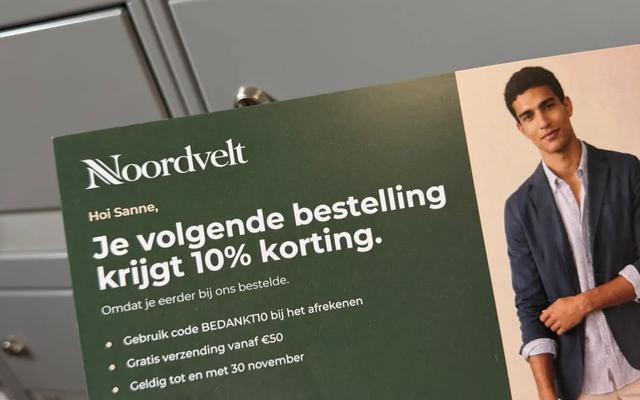
- The second order. Many first-time buyers never come back. A personal card a few weeks after delivery, with a reason to order again, is a natural nudge.
- The quiet customer. Good customers who haven't ordered in a few months and no longer open your emails are exactly the people a mailbox can still reach.
- The VIP milestone. A fifth order, a year as a customer or a spend threshold is worth a signed thank-you card.
- The follow-on product. Someone who bought a camera may want a bag, a lens or a memory card. A card that suggests the obvious next item feels helpful rather than pushy.
Where your mailing list comes from
Your list already exists in the tools you use to run the store. You build a segment of the customers you want to reach, export it with names and addresses, and upload the file. The steps differ a little by platform:
- Shopify direct mail: build a customer segment, export it and mail it.
- WooCommerce postcards: combine the customers report with order addresses.
- HubSpot and postcards: turn a contact list into a mailing file.
- Klaviyo and direct mail: mail the segments your emails aren't reaching.
How an ecommerce postcard campaign works with Yotru
- Export the customers you want to reach as a CSV from your store or email platform.
- Upload the file and write one message per segment. Each card can carry the customer's first name, their city and a message that fits what they bought.
- Every card gets its own QR code that leads to your store or a landing page, so you can see who responded.
- Review every recipient, then confirm and pay. Production and mailing take about two to three days. Most cards arrive in about a week, though delivery can take two to three weeks.
Yotru mails to addresses in Canada, the United States and the Netherlands. If you're unsure how to segment your customers or what the card should say, Yotru can help with that too.
How to measure whether it worked
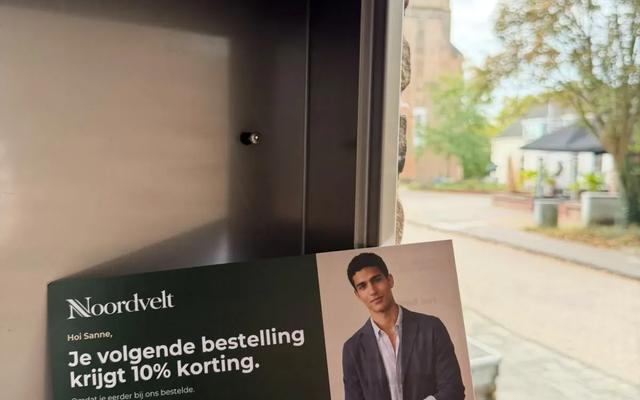
Give every card a way to be traced back: a unique QR code, a card-only discount code, or both. For a cleaner read, hold back a random part of the segment that gets no card and compare how many in each group order over the next few weeks. Judge the result on revenue per customer mailed, not on scans alone. For help choosing who goes in the mailed group, see which ecommerce customers should get a postcard.
Frequently asked questions
Does direct mail work for ecommerce?
It works best on existing customers, where you already know the name, address and order history. Restock reminders, second-order nudges, win-backs and VIP thank-yous are the most common uses.
Is a postcard better than an email for online stores?
Not across the board. Email is better for fast, frequent sends. A postcard is better for rare, high-value moments and for customers who no longer open your emails. Most stores use both.
Which ecommerce customers should I send postcards to?
Start with customers whose value justifies the postage: repeat buyers, high spenders, recent first-time buyers you want to order again, and good customers who have gone quiet.
Can I send postcards to my Shopify or WooCommerce customers?
Yes. Export the customers you want to reach with their mailing addresses, upload the file to Yotru, and Yotru prints and mails a personalized card to each one.
Can postcards be sent automatically from my store?
With Yotru you export a segment and upload it, so each send is a deliberate batch. Many stores run the same segment export on a regular schedule, such as every month.
How do I track an ecommerce postcard campaign?
Give every card a unique QR code or discount code, keep a small group that gets no card, and compare orders and revenue between the two groups.
Which countries can Yotru mail to?
Yotru mails to addresses in Canada, the United States and the Netherlands.
References
Jenna Gallo
Business Development Lead
Jenna Gallo works in business development at Yotru, covering startup growth, product strategy, and how founders use market insights and targeted outreach to attract customers and grow their businesses.
Keep reading
Campaign Inspiration
Shopify Direct Mail: How to Send Postcards to Your Shopify Customers
You can mail postcards to your Shopify customers in an afternoon: build a segment, export it, check the addresses and upload the list. Here's the step-by-step, with message ideas for each segment.
Chinedu Okafor
4 min read
Campaign Inspiration
How to Send Postcards to WooCommerce Customers: Export, Segment and Mail
WooCommerce tells you who your best and quietest customers are; your orders hold their mailing addresses. Here's how to put the two together and mail a postcard to the right customers.
Erol Branovic
4 min read

Insights & Trends
The Contacts: Who Should Receive Your B2B Postcard?
Send your postcard to named people who can act on the offer: the person who owns the problem and, for bigger deals, the person who approves the spend. Here's an example account with several recipients and what each one gets.
Jenna Gallo
6 min read
Work with Yotru
Send your first postcard to past customers
Export the customers you want to reach, upload the list, and review every recipient before you pay. Each card gets its own QR code.