

Campaign Inspiration
Shopify Direct Mail: How to Send Postcards to Your Shopify Customers
You can mail postcards to your Shopify customers in an afternoon: build a segment, export it, check the addresses and upload the list. Here's the step-by-step, with message ideas for each segment.
Chinedu Okafor · Content & Editorial Lead
· 4 min read
On this page13 sectionsClose
- Step 1: Build the segment in Shopify
- Step 2: Export the customers
- Step 3: Check the addresses before you mail
- Step 4: Write one message per segment
- Step 5: Upload, send, then follow up by email
- Frequently asked questions
- Can I send postcards to my Shopify customers?
- How do I export customer addresses from Shopify?
- Which Shopify customers should get a postcard?
- Does a Shopify postcard campaign need an app?
- Should I send a postcard instead of an email?
- How do I know if my Shopify postcards worked?
- References
To send postcards to your Shopify customers, build a customer segment in Shopify, export it as a CSV, check that every row has a mailing address, and upload the file to a postcard service such as Yotru. Shopify already stores the name and default address of everyone who has placed an order, so the list is the easy part. The real work is choosing the right customers and giving each group a message that fits.
New to the idea? Start with direct mail for ecommerce. Looking for message ideas for your best customers? See Shopify postcard ideas for VIP customers.
Step 1: Build the segment in Shopify
Open Customers in your Shopify admin and create a segment. Shopify's segment editor lets you filter on things like number of orders, amount spent, last order date and location, and you can save each segment to reuse later. A few segments that tend to be worth a card:
- One order, placed 30 to 60 days ago: your second-order group.
- Two or more orders, nothing in the last 90 to 180 days: your win-back group.
- Top spenders: your VIP thank-you group.
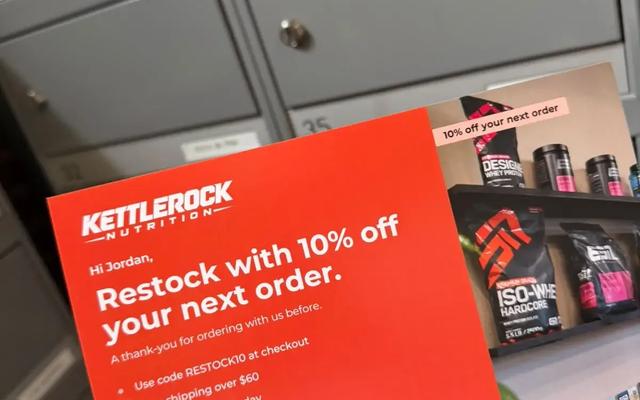
- Customers who bought a consumable product: your restock group, timed to how long the product usually lasts.
Add a location filter for the countries you can mail. Yotru mails to Canada, the United States and the Netherlands.
Step 2: Export the customers
From the segment, choose Export and download the CSV. Shopify's customer export includes each customer's default address along with their name, email, order count and total spent. For a large list, Shopify emails you the file instead of downloading it straight away.
Step 3: Check the addresses before you mail
A few minutes of cleanup saves postage on cards that can't be delivered:
- Remove rows with no address. Customers who only checked out with a digital product, or never completed an order, may not have one.
- Remove addresses outside the countries you're mailing.
- Remove duplicates, such as the same person with two accounts.
- Remove anyone who has asked you not to contact them.
Step 4: Write one message per segment
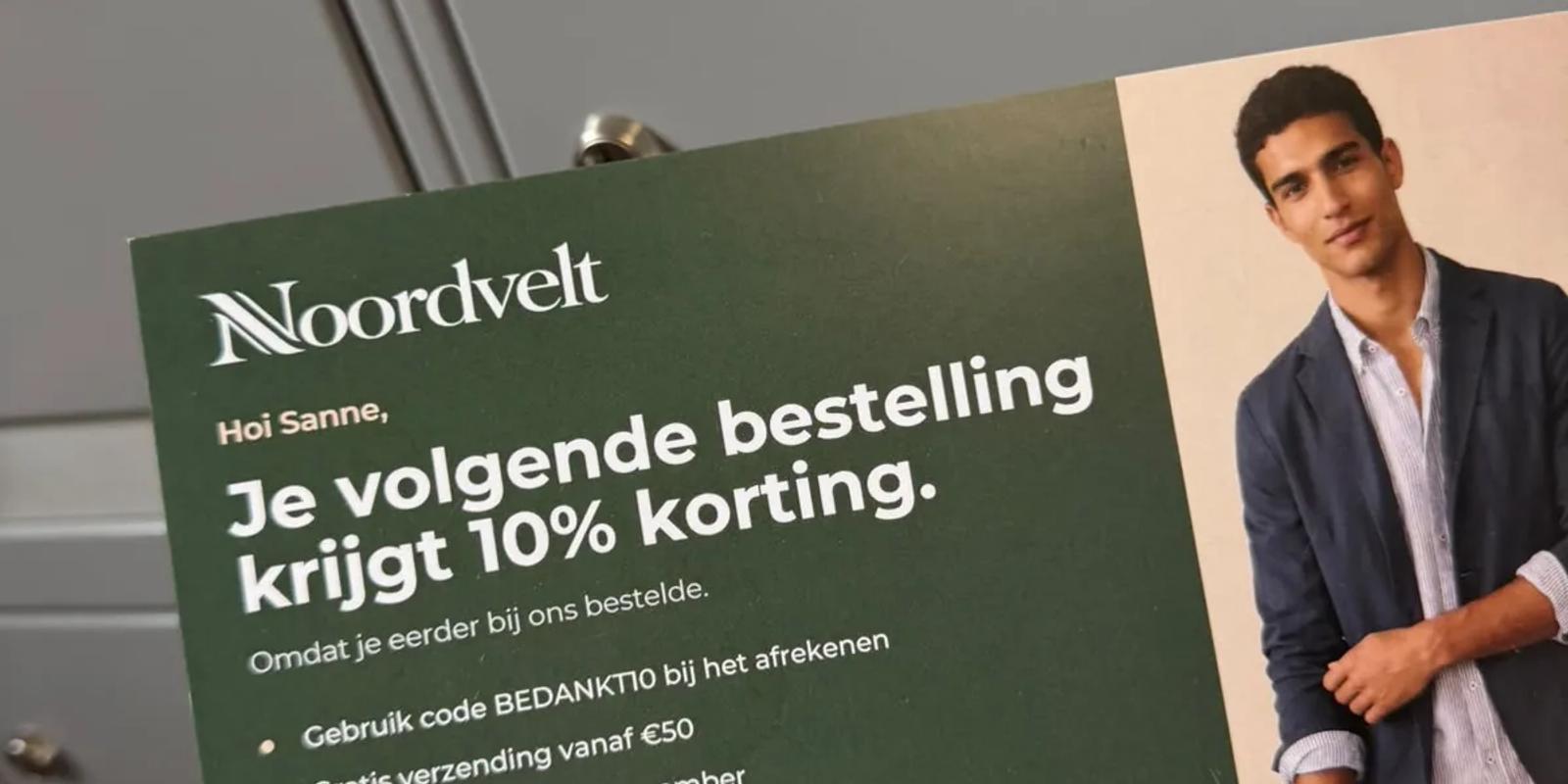
A postcard has room for one idea, so match the idea to the segment. The examples below use a made-up skincare store.
| Segment | Headline idea | Offer or reason to act |
|---|---|---|
| Second order | "[First name], ready for round two?" | Free shipping on the next order |
| Restock | "Your serum is probably running low" | Scan to reorder in one tap |
| Win-back | "It's been a while, [first name]" | A small discount with an end date |
| VIP | "Thank you for being one of our best customers" | Early access to the next launch |
Sign the card with a real name, such as the founder or owner. A short signed note reads very differently from a promotional flyer. See what can be personalized on a postcard for more options.
Step 5: Upload, send, then follow up by email
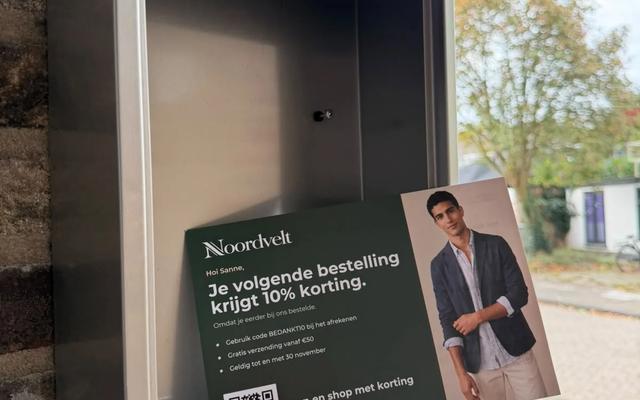
Upload the CSV to Yotru, match the columns, and review the recipients before you pay. Each card gets its own QR code, so scans point back to the customer who received it. Production and mailing take about two to three days, and most cards arrive in about a week. Plan a short follow-up email for a few days after the expected delivery; the two together usually do more than either alone. Here's how to time it: an email and postcard sequence for repeat buyers.
Once a segment works, save it in Shopify and export it again each month. That turns a one-off test into a steady program without any extra setup.
Frequently asked questions
Can I send postcards to my Shopify customers?
Yes. Build a customer segment, export it as a CSV with addresses, and upload it to Yotru. Yotru prints and mails a personalized card to each customer.
How do I export customer addresses from Shopify?
Go to Customers, open or create a segment, choose Export and download the CSV. The export includes each customer's default address.
Which Shopify customers should get a postcard?
Recent first-time buyers, repeat customers who have gone quiet, top spenders and customers due to restock a consumable product are the usual starting points.
Does a Shopify postcard campaign need an app?
No. Shopify's built-in segments and customer export are enough. You upload the exported file to Yotru.
Should I send a postcard instead of an email?
Send both. Use the postcard for the moment that matters and a follow-up email a few days after it lands.
How do I know if my Shopify postcards worked?
Use a unique QR code or a card-only discount code, keep a small group from the same segment that gets no card, and compare orders between the two.
References
Chinedu Okafor
Content & Editorial Lead
Chinedu Okafor is a freelance editorial and content lead at Yotru, covering direct mail marketing, personalized postcards, and how businesses use physical mail to reach customers and drive sales.
Keep reading
Insights & Trends
Direct Mail for Ecommerce: How Online Stores Use Postcards to Bring Customers Back
Direct mail for ecommerce works best on people who have already bought from you. Here's which customers to mail, when a postcard beats another email, and how to run both together.
Jenna Gallo
5 min read
Campaign Inspiration
Klaviyo and Direct Mail: When Your Email Segments Need a Postcard
Klaviyo is great at telling you who stopped opening your emails. Those are often the customers a postcard can still reach. Here's how to export the right Klaviyo segments and mail them.
Chinedu Okafor
4 min read
Campaign Inspiration
5 Shopify Postcard Ideas to Make VIP Customers Feel Valued
Five postcard triggers any Shopify store can set up this week to make its best customers feel seen, with copy ideas for each one.

Jeffrey Huis in 't Veld
4 min read
Work with Yotru
Mail your Shopify segment this week
Export the segment from Shopify, upload the CSV and review every recipient before you pay. Each card gets its own QR code back to your store.