

Campaign Inspiration
Klaviyo and Direct Mail: When Your Email Segments Need a Postcard
Klaviyo is great at telling you who stopped opening your emails. Those are often the customers a postcard can still reach. Here's how to export the right Klaviyo segments and mail them.
Chinedu Okafor · Content & Editorial Lead
· 4 min read
On this page13 sectionsClose
- Which Klaviyo segments are worth a postcard?
- Step 1: Build the segment
- Step 2: Export it to CSV with the address fields
- Step 3: Upload to Yotru and write the card
- Step 4: Coordinate the card with your Klaviyo flows
- Frequently asked questions
- Can I send postcards to a Klaviyo segment?
- Which Klaviyo customers should get a postcard instead of an email?
- Does Klaviyo store mailing addresses?
- Should a postcard replace my Klaviyo win-back flow?
- How do I measure postcards sent to a Klaviyo segment?
- Can Klaviyo send postcards automatically through Yotru?
- References
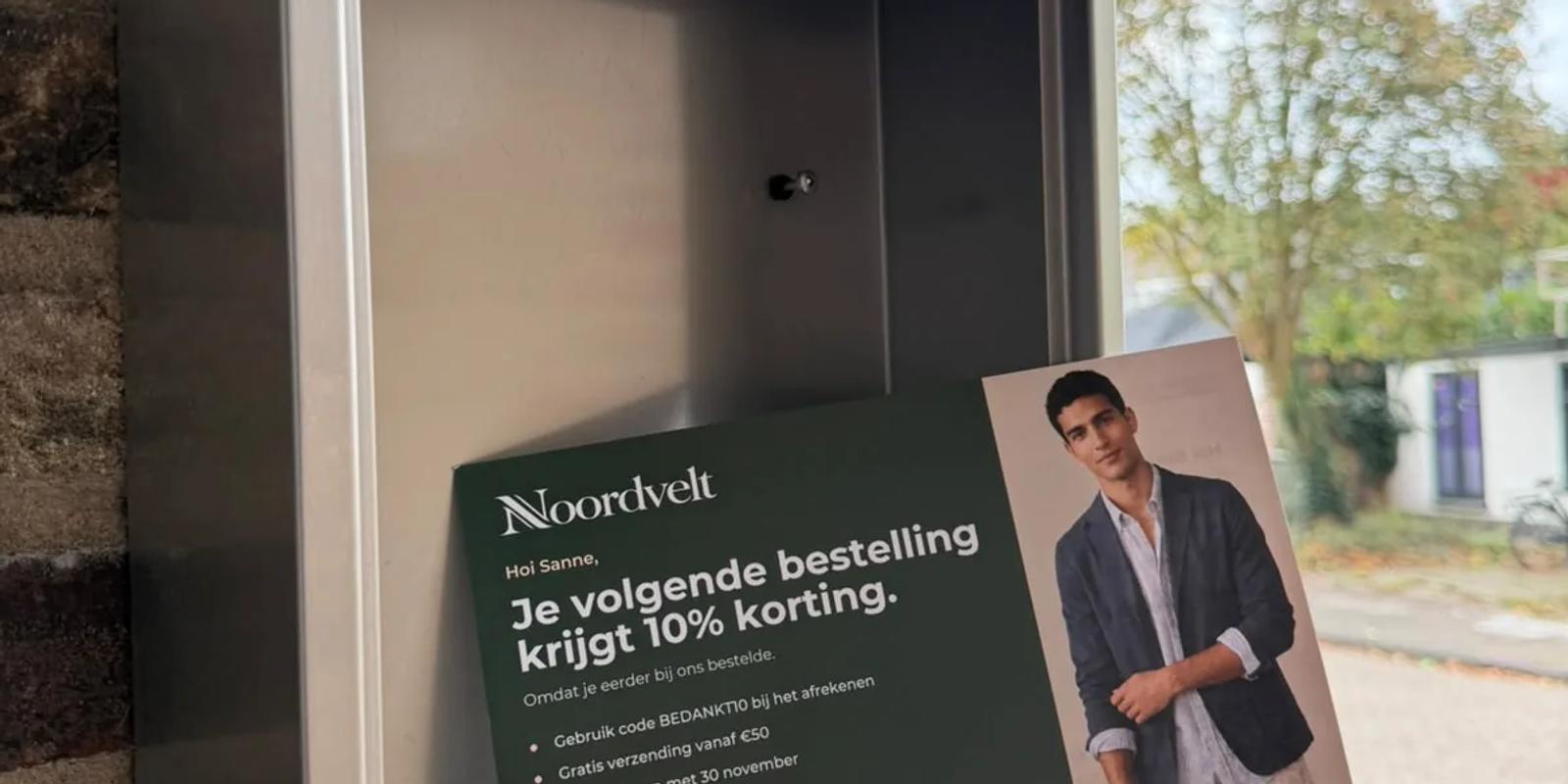
To add direct mail to Klaviyo, build a segment of the customers you want to reach, export it to CSV with their location properties, and upload the file to a postcard service such as Yotru. The segments that benefit most are the ones your emails are no longer reaching: customers who bought from you but have stopped opening, and valuable customers who look ready to drift away. A card in the mailbox reaches them without fighting for space in a crowded inbox.
Which Klaviyo segments are worth a postcard?
| Segment | Why mail it | Card idea |
|---|---|---|
| Placed an order, no opens or clicks in 90+ days | Email has stopped working for this group | "We haven't heard from you in a while" with a time-limited offer |
| High lifetime value, no order recently | Losing them costs the most | A signed thank-you and early access |
| One order, 30 to 60 days ago | The second order is the hardest one to win | A reason to come back, such as best sellers or a bundle |
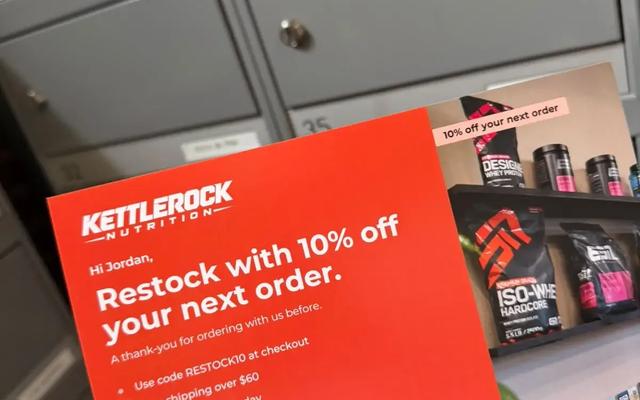
| Close to their usual reorder time | Timing is on your side | "Time to restock?" with a scan-to-reorder QR code |
If your account has Klaviyo's predictive analytics, a property such as the expected date of next order or churn risk can sharpen the last two segments. If not, order count, last order date and email engagement are enough.
Step 1: Build the segment
Create the segment with the conditions above, then add two more: the profile's country is one you mail (Yotru mails to Canada, the United States and the Netherlands), and the address is set. Klaviyo usually fills location properties from your store integration, but not every profile has them, especially people who joined through a signup form without ever ordering.
Step 2: Export it to CSV with the address fields
Export the segment and choose which profile properties to include. Select first name, last name, address, city, region, zip or postal code and country, plus anything you want to use on the card, such as a favourite product category. Klaviyo prepares the file and lets you download it when it's ready.
Step 3: Upload to Yotru and write the card
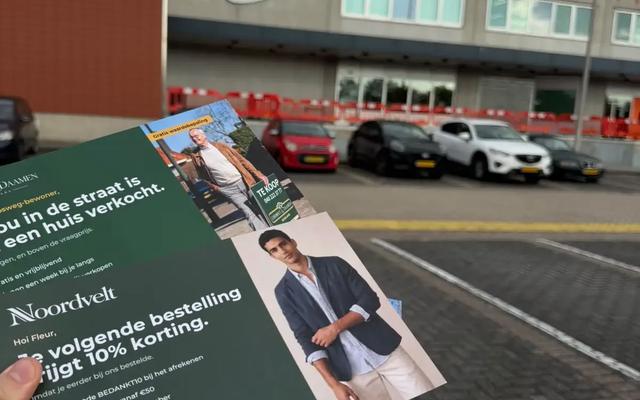
Upload the CSV, match the columns and write one message per segment. Every card can carry the customer's first name and city and has its own QR code. Keep it short, make the offer specific and give it an end date, and sign it with a real person's name. For win-back wording, see win-back postcards for inactive ecommerce customers. Review every recipient before you pay; production and mailing take about two to three days, and most cards arrive in about a week.
Step 4: Coordinate the card with your Klaviyo flows
The card works best when your emails know it's coming. A few simple rules:
- Use the same offer and code on the card and in the follow-up email, so the customer sees one consistent message.
- Send a short follow-up a few days after the expected delivery that refers to the card.
- Make sure a win-back flow isn't sending a different, competing discount to the same people that week.
- Hold back a random part of the segment that gets no card, so you can compare orders between the two groups.
For a full timeline, see how to time an email and postcard sequence. For the wider strategy, read direct mail for ecommerce.
Frequently asked questions
Can I send postcards to a Klaviyo segment?
Yes. Export the segment to CSV with first name, last name and address properties, then upload the file to Yotru, which prints and mails a personalized card to each profile.
Which Klaviyo customers should get a postcard instead of an email?
Customers who have bought from you but stopped opening your emails, high-value customers who haven't ordered recently, and customers close to their usual reorder time.
Does Klaviyo store mailing addresses?
Klaviyo profiles have location properties that are usually filled from your store integration. Profiles that joined through a form without ordering often have no address, so filter for profiles where the address is set.
Should a postcard replace my Klaviyo win-back flow?
No. Keep the flow and add the card for the customers who haven't responded to it, then send a follow-up email after the card arrives.
How do I measure postcards sent to a Klaviyo segment?
Use a unique QR code or a card-only discount code, keep a random holdout group that gets no card, and compare orders and revenue between the mailed and unmailed groups.
Can Klaviyo send postcards automatically through Yotru?
With Yotru you export a segment and upload it, so each mailing is a batch you approve. Many stores repeat the same export every month to keep a steady program running.
References
Chinedu Okafor
Content & Editorial Lead
Chinedu Okafor is a freelance editorial and content lead at Yotru, covering direct mail marketing, personalized postcards, and how businesses use physical mail to reach customers and drive sales.
Keep reading
Insights & Trends
Direct Mail for Ecommerce: How Online Stores Use Postcards to Bring Customers Back
Direct mail for ecommerce works best on people who have already bought from you. Here's which customers to mail, when a postcard beats another email, and how to run both together.
Jenna Gallo
5 min read
Insights & Trends
Win-Back Postcards: A Fresh Approach to Reaching Inactive Ecommerce Customers
Win-back emails get ignored by the exact customers who already stopped opening your emails. A postcard reaches them anyway.

Zaki Usman
3 min read
Campaign Inspiration
HubSpot and Postcards: Turn a Customer List Into a Direct Mail Campaign
If your customer data lives in HubSpot, you already have what a postcard campaign needs. Here's how to build the list, export it with addresses, mail it, and see the results back in HubSpot.
Jenna Gallo
4 min read
Work with Yotru
Mail the customers your emails aren't reaching
Export a Klaviyo segment, upload it and review every recipient before you pay. Each card gets its own QR code.