
Insights & Trends
QR Codes for Direct Mail: Setup, Tracking and Landing Page Examples
How to set up QR codes on a postcard so every scan is tracked to a person and lands on a page worth scanning for. Setup steps, UTM tags and landing page examples.
Erol Branovic · Marketing Specialist
· 4 min read
On this page17 sectionsClose
- Step 1: Decide where the scan should go
- Step 2: Use one code per recipient
- Step 3: Add UTM tags to the URL
- Step 4: Place and size the code properly
- Step 5: Build a landing page that finishes the card
- The booking page
- The claim page
- The proof page
- Step 6: Act on the scan
- Frequently asked questions
- How do QR codes work on direct mail?
- Should each postcard have a unique QR code?
- How big should a QR code be on a postcard?
- How do you track QR code scans from direct mail?
- Where should a direct mail QR code link to?
- Do people still scan QR codes on mail?
- References
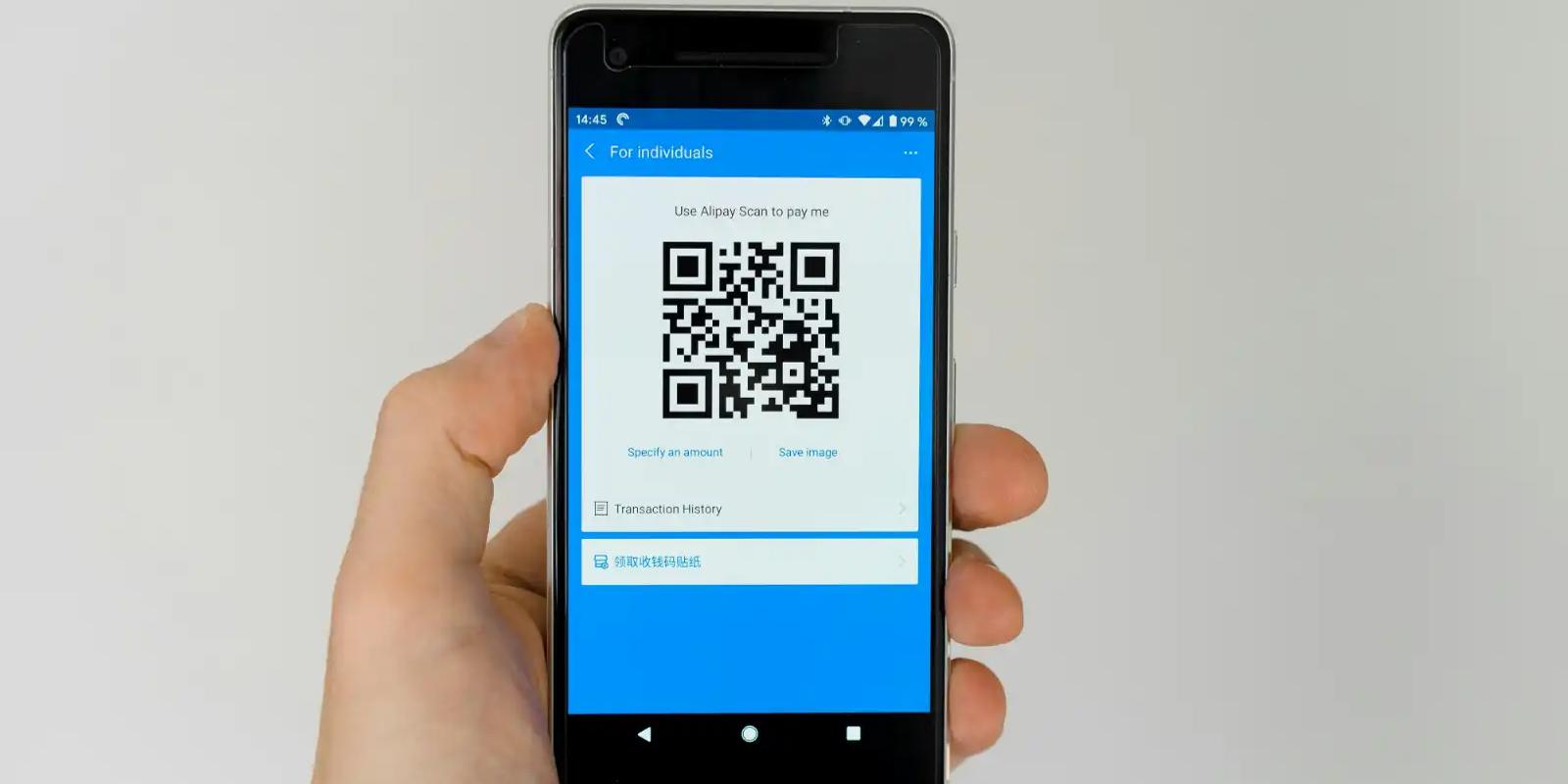
A QR code on direct mail works when three things are in place: a unique code for each recipient, UTM tags on the URL behind it, and a landing page that picks up exactly where the card left off. Get those right and every scan tells you who responded and what they did next.
If you want the background on how unique codes work, start with how unique QR codes work in direct mail. This post is the practical setup.
Step 1: Decide where the scan should go
Before you make a single code, decide the one thing you want someone to do after scanning. Book a call. Claim an audit. See their personalized report. Your homepage is almost never the right answer, because it asks the visitor to figure out what to do next.
Step 2: Use one code per recipient
A shared code tells you that 40 people scanned. A unique code tells you that Priya at a six-clinic dental group scanned on Tuesday. Only the second one gives sales someone to call.
| One shared code | One code per recipient | |
|---|---|---|
| Tells you | How many scans | Who scanned, and when |
| Landing page | Same for everyone | Can show their name or company |
| Sales follow-up | Not possible from the scan | Same-day, to the right person |
| Best for | Mass mailings, flyers | Targeted B2B campaigns |
Step 3: Add UTM tags to the URL
UTM tags are short labels added to the end of a link that tell your analytics where a visit came from. Without them, scans from a postcard often show up as "direct" traffic and disappear into the noise. A simple set for mail:
- utm_source: postcard
- utm_medium: direct-mail
- utm_campaign: the campaign and wave, for example q4-clinics-wave1
- utm_content: the design or version, if you're testing two
Keep the names consistent across campaigns so you can compare them later.
Step 4: Place and size the code properly
- Big enough to scan easily. Around an inch square is a safe minimum on a 6×9 card. Don't shrink it to fit more copy.
- Dark on light. High contrast with clear space around it scans most reliably.
- Next to the call to action. "Scan for your free cost review" right beside the code. A code with no reason to scan gets ignored.
- Test before printing. Scan a printed proof with a couple of different phones.
Step 5: Build a landing page that finishes the card
The visitor just read your card. The page should feel like the next sentence, not a new conversation. Three landing page examples:
The booking page
Card headline repeated at the top, "Hi Priya" if you have the name, two lines on what the call covers, and a calendar right on the page. Nothing else to click.
The claim page
For an audit or review offer. Name the offer, say what they'll get and how long it takes, and ask for the minimum: confirm their email and pick a time.
The proof page
For a proof postcard. Show the nearby project or the similar customer in more detail, then offer a short call to talk about theirs.
Step 6: Act on the scan
A scan is only useful if someone acts on it. Route scan alerts to the account owner and follow up the same day. Here's what happens when someone scans a Yotru postcard.
Frequently asked questions
How do QR codes work on direct mail?
The recipient scans the code with their phone camera and lands on a web page. If each card has a unique code, you can see exactly who scanned.
Should each postcard have a unique QR code?
For B2B campaigns, yes. Unique codes tell you who responded, which is what makes timely follow-up possible.
How big should a QR code be on a postcard?
Around an inch square is a safe minimum on a 6×9 card, printed dark on a light background with clear space around it.
How do you track QR code scans from direct mail?
Use unique codes tied to each recipient and add UTM tags to the destination URL so visits show up as a mail campaign in your analytics.
Where should a direct mail QR code link to?
A landing page that matches the card's message and offers one next step, such as booking a call. Avoid linking to your homepage.
Do people still scan QR codes on mail?
Yes, especially when the card gives a clear reason to scan and the offer is worth a few seconds. A vague code with no call to action rarely gets used.
References
Erol Branovic
Marketing Specialist
Erol Branovic is a sales-focused marketing professional at Yotru, covering B2B messaging, sales outreach, and how businesses communicate their value to decision-makers through direct mail and personalized campaigns.
Keep reading
Insights & Trends
How to Track Direct Mail Responses, Meetings and Revenue
Tracking direct mail means following each card from delivery to scan, meeting and revenue. Here's a setup you can build before you send a single postcard.
Erol Branovic
4 min read

Campaign Inspiration
B2B Postcard Examples: Copy and Offers for High-Value Accounts
Eight B2B postcard examples organized by the buyer's problem, each with a headline, a supporting line and an offer you can adapt for your own high-value accounts.
Chinedu Okafor
3 min read

Insights & Trends
How Much Does a B2B Direct Mail Campaign Cost? A Budget for 100, 500 and 1,000 Accounts
A B2B postcard campaign costs less than most teams expect. Here's what 100, 500 and 1,000 accounts cost on a 6×9 card, and the costs that sit outside the card price.
Chinedu Okafor
4 min read
Work with Yotru
Want a unique QR code on every card?
Yotru gives each recipient their own code and landing page, and tells your team who scanned and when.